

If your smartphone supports reverse charging, you can use it to charge other devices including your smartwatch, Airpods, and even other smartphones. There are two types of reverse charging options that you can use: wired via a USB cable, or wireless provided that the device on the receiving end supports wireless charging.
Charging your devices using reverse charging is a slow process. The electrical transfer loss is huge and the ratio tends to be 3 to 1. For example, for every 1 percent of battery transferred, 3 percent drains from the source device. Nevertheless, reverse charging can save the day when you’re running low on battery juice and there’s no power outlet around.
Many users are wondering if reverse charging can damage battery life. We did the heavy lifting for you and we’ll list the conclusions below.
Is Reverse Charging Bad for Battery?
Reverse charging won’t damage your battery. The power output remains within your device’s capabilities at all times. This means that reverse charging alone won’t put a strain on your battery.
However, if you watch videos or play resource-consuming games while reverse charging, your phone may get really hot after a while. The same is valid if you keep your phone plugged in while wirelessly charging another device.
In other words, assigning two different tasks to your battery will indeed put a strain on it. Don’t do anything else while reverse charging is on. Your phone will probably heat up fast from all the work it has to do or charge extremely slowly.
Heat Can Damage Your Battery
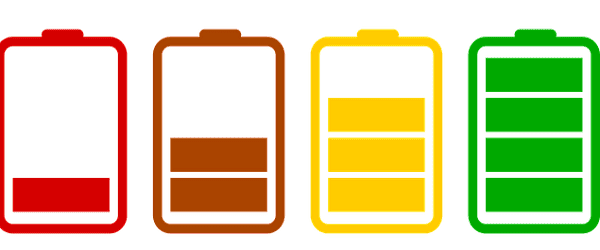
Heat can speed up battery performance degradation. The longer your battery remains abnormally hot, the faster it degrades. Heat will damage your phone battery much faster than any other factor. Ensure your device’s temperature doesn’t rise to dangerous levels while reverse charging. Remove your case to prevent overheating while using reverse charging.
After a certain number of charge cycles, your phone battery will start degrading. Batteries are consumable items and won’t last forever. For example, after 500 charge cycles, an iPhone’s battery is expected to degrade by 20 percent.
Conclusion
Reverse charging won’t damage your phone battery. But do make sure your device doesn’t get too hot while reverse charging. To prevent overheating issues, remove the case and don’t do anything else on your phone while reverse charging is on.
How often do you use reverse charging? Comment down below and don’t forget to share this post on social media.


nice thanks