Adverts are extremely common on the internet with almost every website running at least one advert per page. On PC you can install an ad-blocking browser extension and on mobile, you can use a browser that blocks ads. Unfortunately, webpages inside the browser are not the only place that you can see ads. Many apps and smart devices also include adverts that you can’t block with a traditional ad-blocker.
Pi-hole, pronounced “pie hole”, is a free DNS based ad-blocker that can block ads for all devices on your network. As with traditional ad-blockers, Pi-hole uses community created lists to block access to known ad-serving websites. Traditional ad-blockers prevent the browser from loading any resources from domains on the block-list by blocking the connection. Pi-hole is a custom DNS server that simply misdirects DNS requests for domains on the block-list so that no ads can be loaded.
Pi-hole does come with a couple of disadvantages over a traditional ad-blocker. It can only block resources at the domain level, so it’s unable to block any first-party ads or to apply any cosmetic filters. It’s also a bit more difficult to temporarily disable or to allow a specific blocked domain if you find that it has broken a website that you want to view.
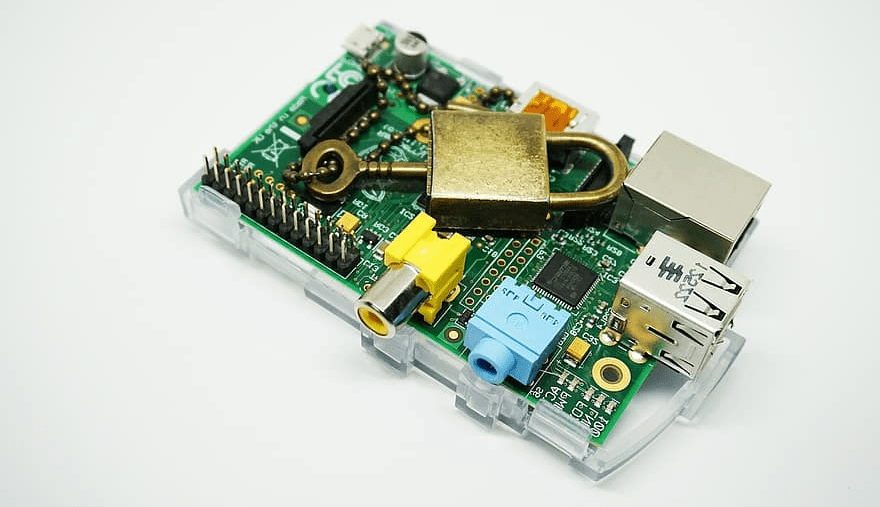
The main advantage of a tool like Pi-hole is that it can block ads on any device that is configured to use it as a DNS server. The software is designed to be run on a Raspberry Pi minicomputer, hence the “Pi” in the name, however, it can be run on any compatible Linux computer, including cloud services.
How to install and use Pi-hole
To use Pi-hole you need to install a supported operating system such as Raspberry Pi OS or Ubuntu,. The list of supported operating systems and system requirements can be found here. Installing Pi-hole can be as simple as a one-line command, alternatively, you can clone the git repository, then run the install script. The install guide can be found here.
Once Pi-hole is running, you can either manually configure each device to use it as a DNS server or you can configure your router to push to have all connected devices use it. Guides are available here for the process of configuring your network to use Pi-hole. Updating Pi-hole is as simple as running the command “pihole -up”.
There’s also a guide available here for configuring Pi-hole to combine with a VPN so you can continue to benefit from Pi-hole’s ad-blocking while you’re on mobile data or on another network.