
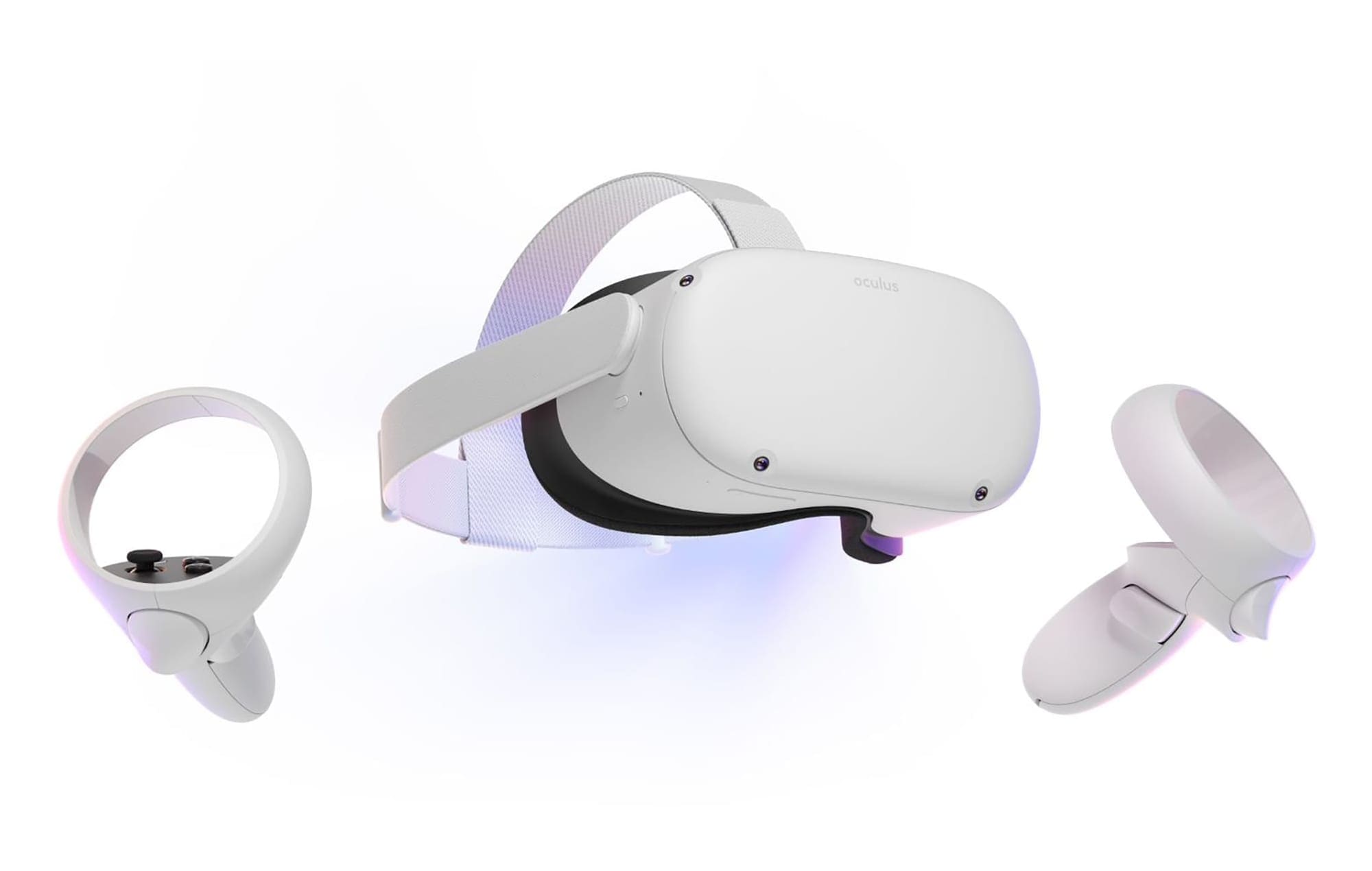
Although the Oculus Quest 2 doesn’t support you changing your lenses for new ones, you can get custom lenses anyway. They serve one of two purposes (or even both!).
People with prescription glasses can replace the annoying fit issues that glasses can often cause and make putting on and taking off the Quest 2 much easier. The other is the fact that they protect the fairly delicate lenses that the headset is equipped with.
Ideally, you shouldn’t touch the lenses at all – yet with glasses, the two sets of lenses may clash, that the frame scrapes across them, and so on. Even if that doesn’t happen, repeatedly touching the lenses can also damage them and will definitely get them dirty.
Custom lenses can be purchased both with a prescription and without. The ones that don’t have a specific prescription are usually cheaper, so if you are dedicated to keeping your Quest 2 in as good a state as possible for as long as possible, it’s definitely a good idea to spring for these additive lenses.
They simply snap onto the existing set of lenses and keep them safe like that. Here is an example of this type of lens. You can buy them from any number of online retailers, and realistically, they should never cost you more than $70-80 unless you happen to have a particularly unusual prescription.
If you prefer, you can also contact your local optician to ask if they can make VR lenses for your Quest 2 – while most won’t, some do offer that service. Don’t hesitate to ask!
Applying the Custom Lenses
Regardless of where you buy your custom lenses, they should fairly easily snap onto the existing lenses. Make sure that you don’t accidentally move the lens distance further apart or closer and that you try to attach the right lens only to the right side, not the other way around, so you don’t accidentally damage your headset.

Custom lenses can be removed again, of course. That said, they’re not supposed to come on and off constantly and should stay in place as much as possible. Remember though – you can also buy non-prescription lenses! Consider this when buying a set, especially if you have prescription lenses or are likely to share your headset.
Conclusion
If you want to keep your lenses in good condition, consider a set of custom lenses for protection. While they do cost, the investment will almost definitely be worth it. After all, potentially replacing the Quest 2 because of lens issues will definitely be more expensive. Let us know your plans in the comments below.


I just bought my quest 2, 3 days ago and there appears to be some kind of film on the inside of my lenses of the quest! Maybe somebody at quest can help me get rid of this film or tell me what it is. I’ve been told quest could care less and will not respond so maybe somebody here can help?
Do you have a source for fully lens replacements? I’m wondering if there’s a company that makes the lenses that are not frisell lenses, and have a larger “sweet spot”.