
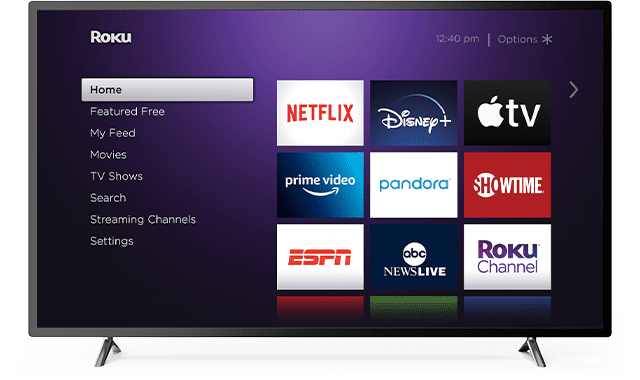
Are you getting a strange error message on Roku saying the channel you want to watch is not available in your region? Maybe you’re getting this message: ‘We’re sorry. This channel is not available in your region‘.
If you’re wondering why you’re getting this error, keep on reading this guide to learn the answer.
Why is Roku Not Available in my Region?
Region conflicts
Check for conflicts between your account location and your current region (location). If you created your Roku account in a different region than the one you’re currently located, you may experience region-related errors.
Ideally, create your Roku account in the region you’re using the service.
Avoid conflicts between your account’s primary region and the region you are using it right now.
Region restrictions
Keep in mind that each channel and content provider determines where the content can be viewed.
If you created your Roku account in the US, and you use the device outside the US, the content that is US-restricted won’t be available.
This is because there’s a specific IP address range for each country. This is how Roku identifies your current location. If the current IP does not match your Roku account location, some channels won’t be available.
Your VPN was on when you created the account
Don’t forget to disable your VPN when creating your Roku account. If you set your VPN to assign you a random IP address, you won’t be able to use your account next time you launch the service.
This is because your device will be using a different IP address which is specific to another country or region.
How Can I Fix This Problem?
Create a new Roku account
If the country you created your Roku account is different from your current location, the quickest solution to bypass this error is to create a new Roku account.
To do this, go to https://my.roku.com/signup, create a new account, and reset your Roku device. In this manner, any information related to the problematic account will be deleted.
You can then register the new account on your device and check if the issue is gone.
Use a VPN
If the problem is not related to your account and you’re only trying to access a region-restricted channel, use a VPN to switch to a new virtual location and create a new account while the VPN is on.
This is the only solution to watch region-restricted content. Your Roku account region cannot be changed once the account has been created.
If you don’t know what VPN to use, test ExpressVPN, NordVPN, or Cyberghost and stick to the one that best suits your needs.
Important Note: Make sure to use the same virtual location for creating your account and accessing Roku content.
If you use a VPN on your current Roku account, you won’t be able to access region-restricted content. Remember that conflict between the region where your account is based and the region you are using it? That’s why you need to create a new account.


I did have ESPN working on my ROKU until I upgraded the software. Once I upgraded the software, I got the “location not allowed”. However, the AMAZON streaming app works just fine.
No. My mom had a Roku I set up and it keeps saying cannot display this. Just need the troubleshooting.