
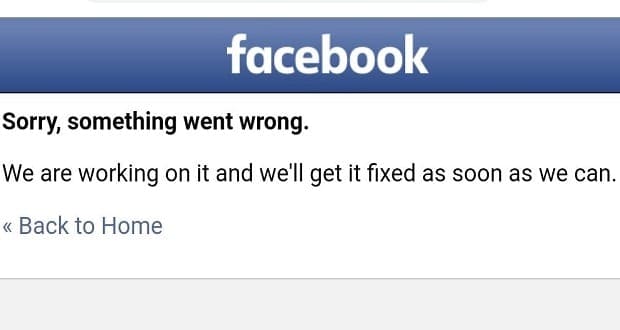
From time to time, Facebook stops working and throws this error: ‘We are working on getting this fixed‘. The error may occur in a variety of situations: when you log in, when you’re sending a friend request, or when group admins try to post something on the page they’re managing.
As you can see, this is a pretty generic error. It indicates Facebook could not complete the action you intended.
In this guide, we’ll take a look at the causes of this error. We’ll also talk about four potential solutions.
Oops. We’re Working on Getting This Fixed as Soon as We Can.
⇒ Note: Check if other users complained about the same problem. Maybe this is a known bug.
Fix Your Browser
This error message usually occurs when you’re trying to access your Facebook account on a web browser. There could be a variety of reasons for this error. But in order to solve them, you need to first fix your browser.
Try Incognito Mode
Check if you can perform the action that initially triggered that error message in Incognito Mode. By enabling this mode, your browser blocks trackers, ads, and other scripts that may potentially interfere with Facebook.
Click on your browser menu and select New incognito window or Private Browsing. 
Log in to Facebook and check if the problem is gone.
Clear the Cache
Another thing that might be interfering with Facebook is your browser cache. Clear it and check if this was the right solution for your problem.
Click on your browser menu and go to History. Locate the Clear browsing data option. Click on the Clear data button to get rid of your browser cache. Then, restart your browser.

Disable Your Extensions
Ad blockers are notorious for breaking website scripts. They may prevent you from loading Facebook, logging in to your account, sharing posts, and so on.
Go ahead and turn off all your extensions. Then, restart the browser and repeat the action that initially triggered the error message.
Click on your browser menu, and select Extensions (or More tools → Extensions). Use the extension slider to turn them off.

Update Your Browser
If there’s a new browser version available, install it. Check if that action solved the problem. Go to your browser’s About section and hit the Update button, if there’s one there.

If nothing worked, use the Report a Problem button from Help & Support. Let Facebook know about the issue you’re experiencing.


I’ve been having this “There was a problem with this request, we’re working on getting it fixed as soon as we can”problem all day today. I’ve tried everything online able clearing caches, rebooting, logging outs and still nothing. I manage social media groups and it’s frustrating not being able to post anything.
i have been having this issues since October and i still have the same message “Sorry, something went wrong”
“We’re working on getting this fixed as soon as we can”
Go Back
I also have hard time to reach out Facebook help center so what can i do now?
Hi,
I have been having this issue where I am not able to login into facebook since June 15th. It returns the message – Sorry, something went wrong. We’re working on getting this fixed as soon as we can.